
Invoicing software for service businesses
Create client-ready invoices, track what needs follow-up, manage recurring services, and keep billing organized without moving into a full accounting suite.
Free plan. No credit card required.
Service business invoicing
Client billing should stay organized after the invoice goes out
Consultants, coaches, creatives, and solo operators often need more than a template, but less than a full accounting platform. Kestor gives service businesses one place to create invoices, track payment status, follow up, and handle recurring services without splitting the workflow across inboxes, spreadsheets, and reminder habits.
Client-ready by default
Keep billing details, recipient emails, payment methods, and terms close to the draft so invoices go out clear and professional.
Visibility across active clients
See what is open, overdue, due soon, or settled across multiple client relationships without relying on memory.
Follow-up stays connected
Reminder timing and payment tracking stay attached to the invoice itself, which makes follow-up easier to trust.
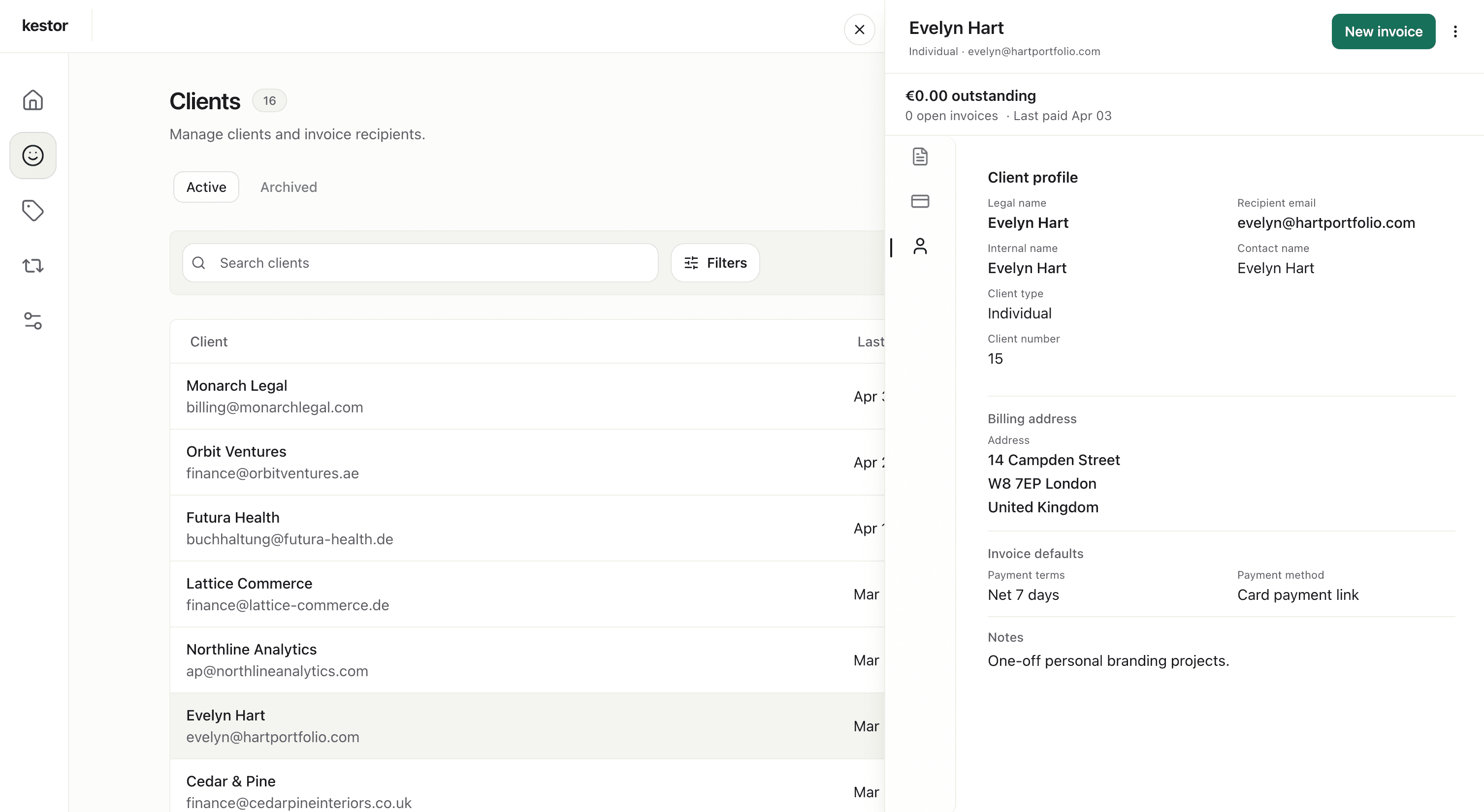
Client-ready invoices
Send invoices that match the standard of your service
When you bill clients directly, the invoice reflects the way you run the business. Kestor helps service businesses send invoices that feel clear, credible, and ready for serious client work.
- Keep client and billing details saved for future work.
- Review invoice structure before sending.
- Send by email or mark invoices as sent manually.
Repeat services and retainers
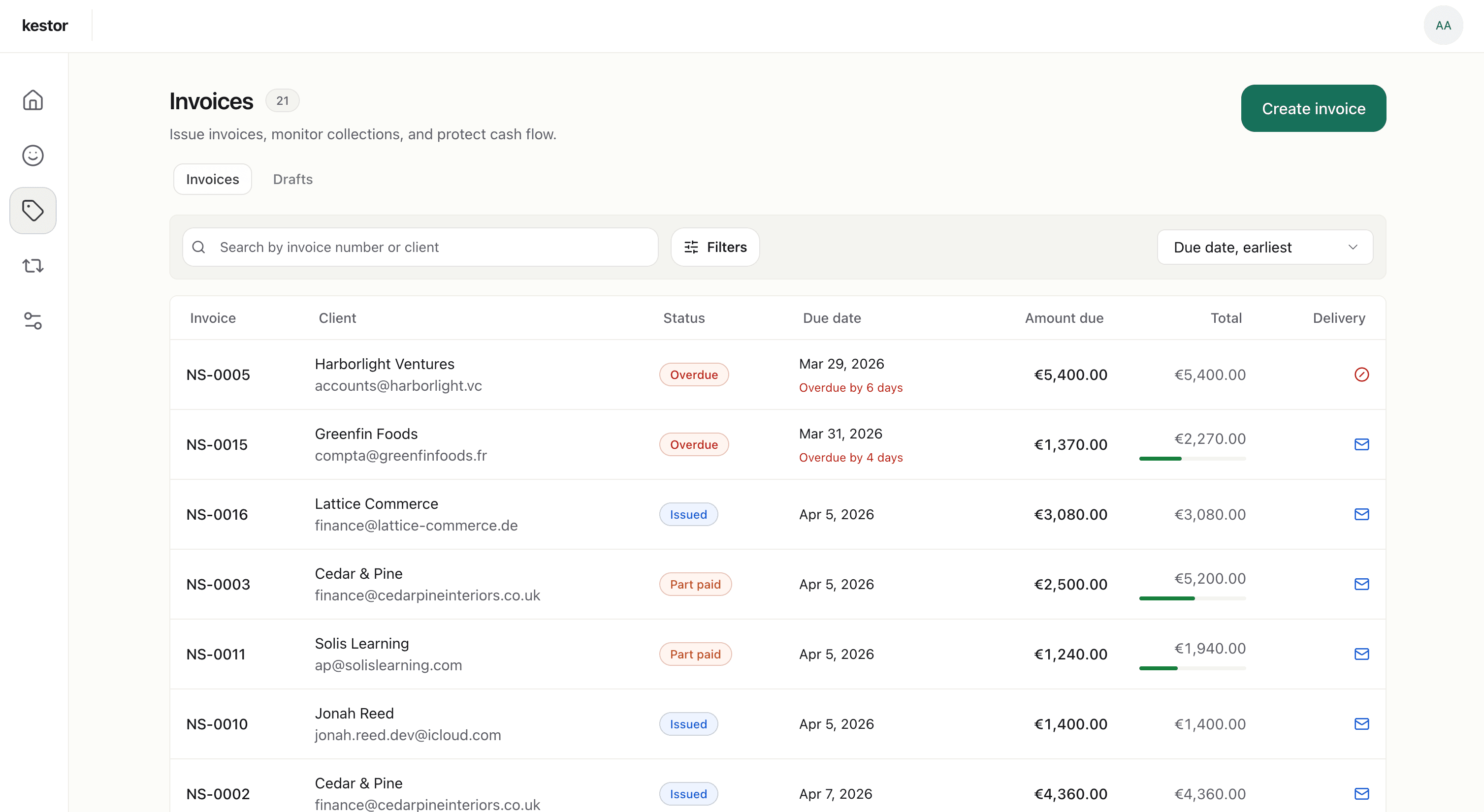
Handle recurring client work without rebuilding the same invoice
For ongoing services and repeat engagements, Kestor helps you keep billing consistent. Recurring schedules generate draft invoices each cycle so you can review them before anything goes out.
- Create recurring schedules for ongoing services.
- Review each generated draft before issue and delivery.
- For the narrower workflow page, see recurring invoice software.
Payment visibility and follow-up
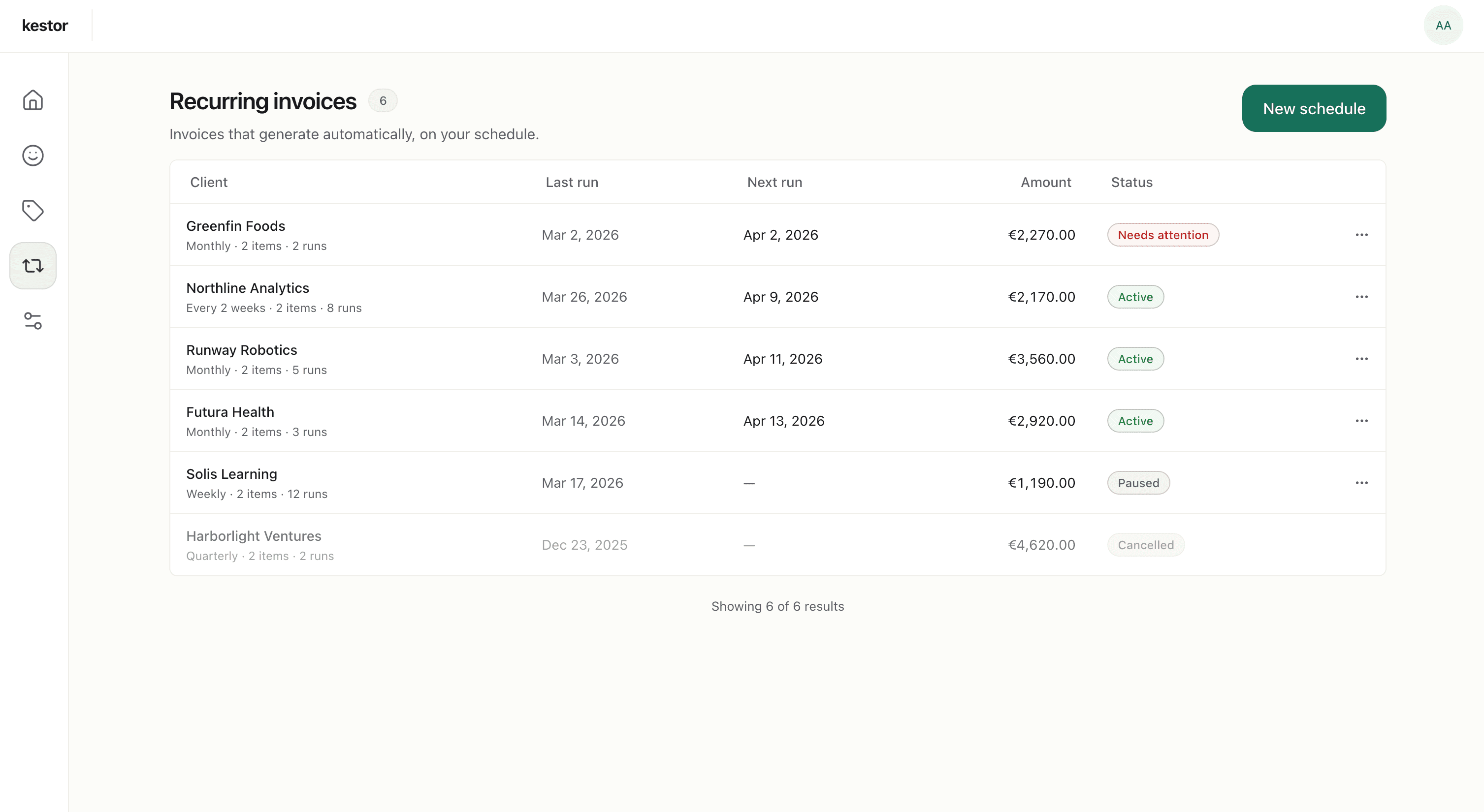
Keep open balances and reminders visible in one workflow
Service businesses do not just need invoices to go out. They need to see what still needs attention after sending. Kestor keeps payment status, overdue balances, and reminder activity in the same workspace.
- Track draft, sent, part-paid, paid, and overdue invoices.
- See outstanding balances and due dates across clients.
- Use invoice reminders when follow-up needs its own dedicated workflow view.
Why service businesses choose Kestor
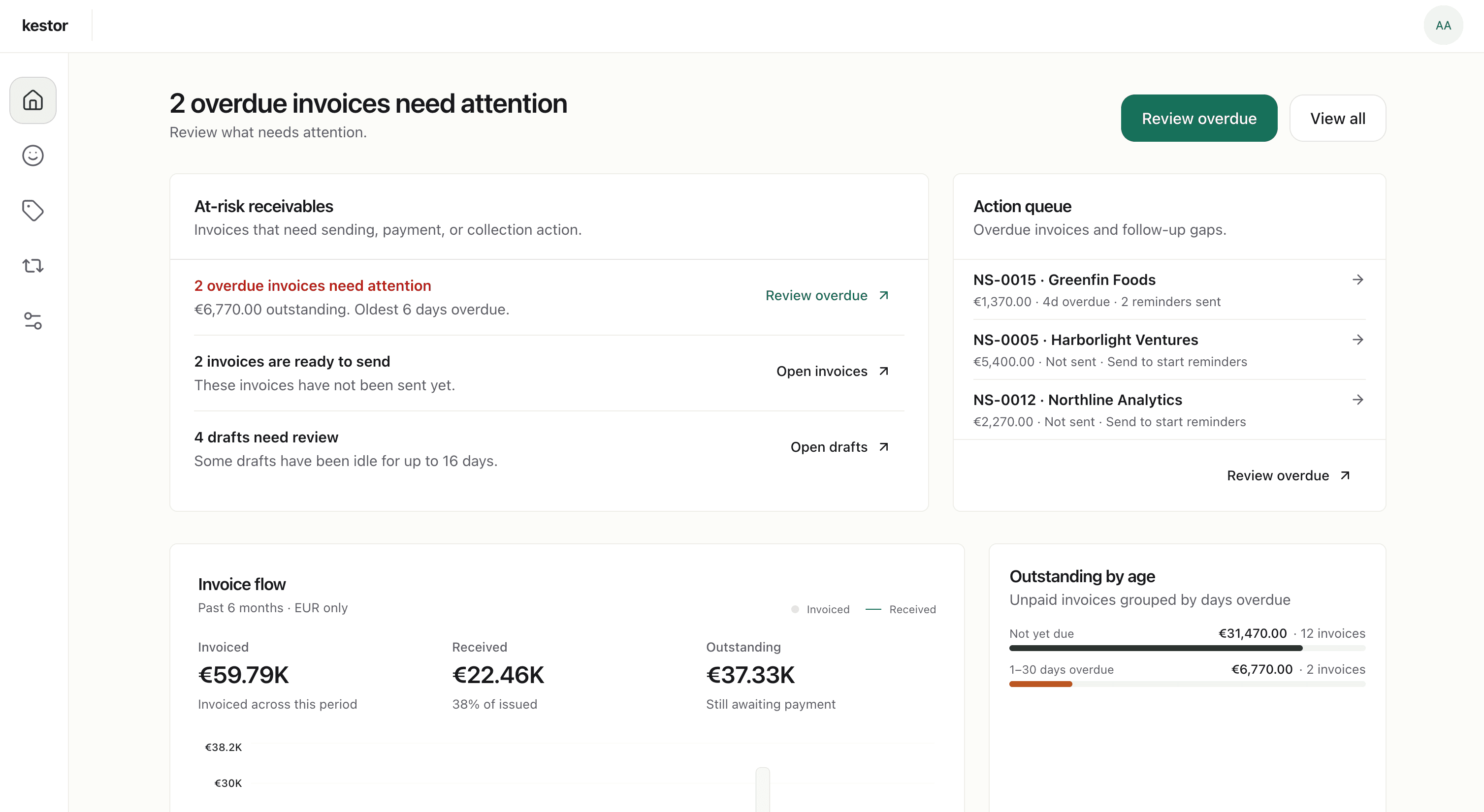
Built for focused client billing, not accounting-software sprawl
Kestor fits service businesses that want a more operational invoicing workflow without taking on bookkeeping software complexity.
A clearer client workflow
Create invoices, track status, follow up, and record payments in one place instead of spreading billing work across multiple tools.
Better visibility as work scales
Stay on top of multiple active clients and outstanding invoices without losing the next step.
More focused than a full suite
Use the invoicing workflow end to end without moving into a heavier accounting platform.
Explore the related Kestor pages
Kestor overview
Freelance client billing
Recurring billing
Reminder automation
FAQ
Common service-business billing questions
These answers cover the common fit questions for consultants, coaches, creatives, and solo operators comparing Kestor with broader finance tools.
What invoicing software works well for service businesses?
Service businesses usually need more than a static template and less than a full accounting platform. Kestor helps consultants, coaches, creatives, and solo operators create invoices, track balances, follow up, and manage recurring services from one focused workflow.
Can Kestor handle recurring services and retainers?
Yes. Kestor supports recurring billing schedules for ongoing client work and generates draft invoices each cycle so service businesses can review them before issuing anything.
Does Kestor replace accounting software for service businesses?
No. Kestor is intentionally narrower than accounting software. It focuses on invoicing and receivables rather than bookkeeping, tax workflows, or broader finance administration.
How do reminders work for service businesses in Kestor?
Reminder timing stays attached to the invoice itself. Automatic reminders only start after an invoice has been sent or marked as sent, and manual follow-up remains available when needed.
Keep service-business billing focused and easier to manage
Set up your client details, send professional invoices, and keep payment visibility, reminders, and recurring services in one workflow.
Free plan · No credit card required